What is After Effects used for?
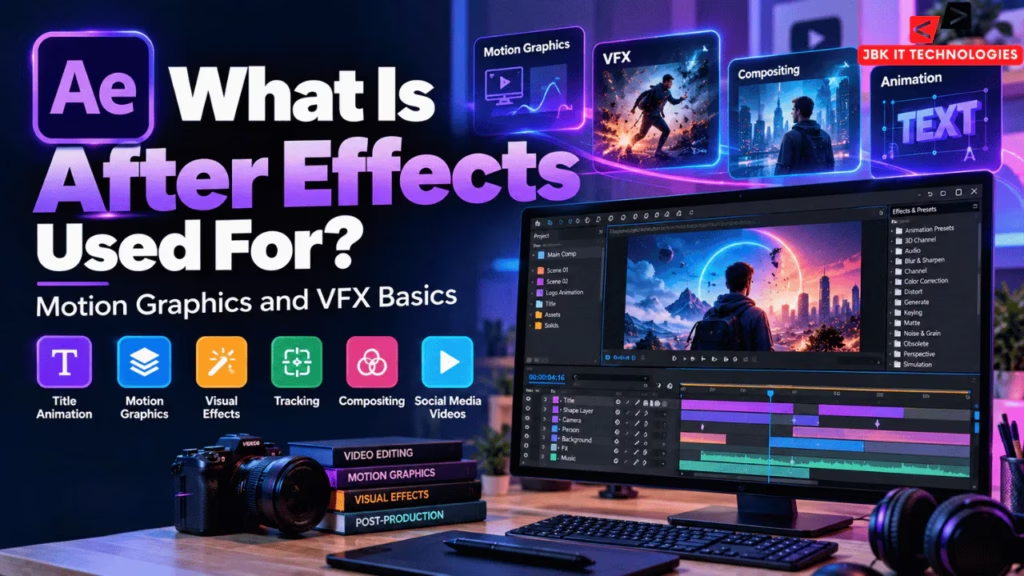
After Effects is primarily used for motion graphics, animation, visual effects, compositing, title animation, tracking and post-production effects.
Is After Effects a video editing software?
After Effects can work with video footage, but its main strengths are animation, motion graphics, visual effects and compositing. Premiere Pro is generally more focused on assembling and editing complete video sequences.
Is After Effects good for beginners?
Yes, beginners can learn After Effects by starting with compositions, layers, keyframes, text and simple animation before moving into advanced VFX and compositing.
What should I learn first in After Effects?
Start with the interface, compositions, layers, position, scale, rotation, opacity and keyframes. Then progress to masks, text animation, shape animation and compositing.
What is the difference between Premiere Pro and After Effects?
Premiere Pro is primarily designed for video editing and assembling footage, while After Effects focuses more heavily on animation, motion graphics, visual effects and compositing.
Can After Effects be used for motion graphics?
Yes. Motion graphics is one of the primary uses of After Effects. It can animate text, logos, shapes, backgrounds and other graphic elements.
Can After Effects be used for VFX?
Yes. After Effects provides tools for compositing, keying, tracking, rotoscoping, object removal and other visual-effects workflows.
What are keyframes in After Effects?
Keyframes define the value of an animated property at a specific point in time. After Effects uses the values between keyframes to create animation.
What is compositing in After Effects?
Compositing means combining multiple visual elements into one scene. After Effects can use layers, masks, mattes, blending modes and keying techniques to create composites.
Can After Effects create 3D animations?
Yes. After Effects includes 3D capabilities and can work with 3D layers and 3D workflows. Adobe currently also highlights native 3D shape and 3D workspace capabilities.
What projects should an After Effects beginner create?
Good beginner projects include:
- Animated text
- Logo animation
- Lower third
- Social media promo
- Animated background
- Explainer graphic
- Green-screen composite
- Motion-tracking project
Do I need Premiere Pro before learning After Effects?
No. You can learn After Effects independently. However, understanding basic video editing can make it easier to understand how motion graphics and VFX fit into a broader post-production workflow.
Can After Effects be used for Instagram Reels?
Yes. After Effects can create animated text, graphics, transitions, effects and other elements for vertical social-media videos.
Is After Effects difficult to learn?
The software has many features, so it can feel complex initially. Learning the fundamentals in stages—layers, compositions, keyframes, masks and basic effects—makes the learning process more manageable.
Where can I learn After Effects in Hyderabad?
JBK IT Technologies currently lists an After Effects course in its creative-software offerings in Dilsukhnagar, Hyderabad.