1. What is the difference between Basic Excel and Advanced Excel?
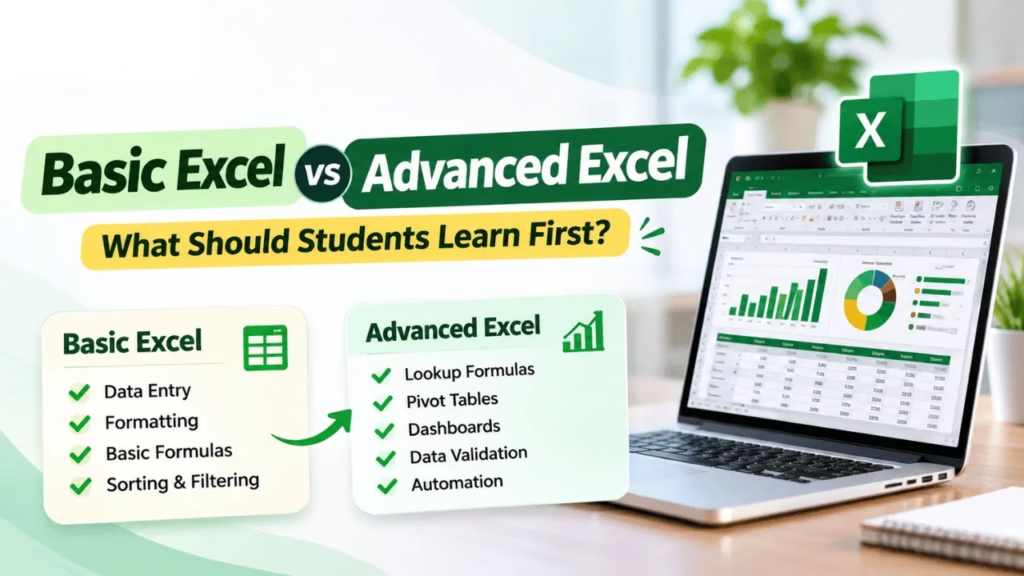
Basic Excel covers data entry, formatting, simple formulas, sorting, and filtering. Advanced Excel includes lookup functions, Pivot Tables, dashboards, data validation, What-If Analysis, Power Query, and automation.
2. Should I learn Basic Excel before Advanced Excel?
Yes. Beginners should understand spreadsheet fundamentals, basic formulas, formatting, and data organisation before learning advanced features. This makes complex functions easier to understand and apply.
3. Is Basic Excel enough for office jobs?
Basic Excel may be sufficient for certain entry-level tasks, such as data entry, maintaining records, and preparing simple reports. Other roles, particularly MIS, reporting, and analytical positions, may require Advanced Excel.
4. Which Advanced Excel skills are most useful for jobs?
Important skills include IF, SUMIFS, COUNTIFS, VLOOKUP, XLOOKUP, Pivot Tables, dashboards, Conditional Formatting, Data Validation, and Power Query. The required skills depend on the job role.
5. Can I learn Advanced Excel without knowing programming?
Yes. Many Advanced Excel features, including formulas, Pivot Tables, charts, Conditional Formatting, and Power Query, can be used without programming knowledge. VBA is useful when you want to develop more customised automation.
6. Is Advanced Excel useful for accounting jobs?
Yes. Advanced Excel can help accounting professionals organise financial records, analyse expenses, prepare summaries, reconcile information, and generate reports.
7. Is Advanced Excel useful for data analytics?
Yes. Excel supports data cleaning, calculations, summarisation, and visual reporting. However, many data analytics roles also require tools such as SQL and Power BI.
8. What is the difference between Excel and Advanced Excel?
Excel is the application, while Advanced Excel refers to using its more sophisticated features. Basic and Advanced Excel are learning levels within the same software rather than separate applications.
9. What should I check before joining an Advanced Excel training institute in Hyderabad?
Check the syllabus, practical assignments, trainer experience, coverage of formulas, Pivot Tables, dashboards, Power Query, and the availability of hands-on practice. Ensure the course matches your intended career direction.
10. Can freshers learn Advanced Excel?
Yes. Freshers can learn Advanced Excel after developing basic spreadsheet knowledge. Practising real-world projects such as sales reports, attendance sheets, and dashboards can help build confidence.